


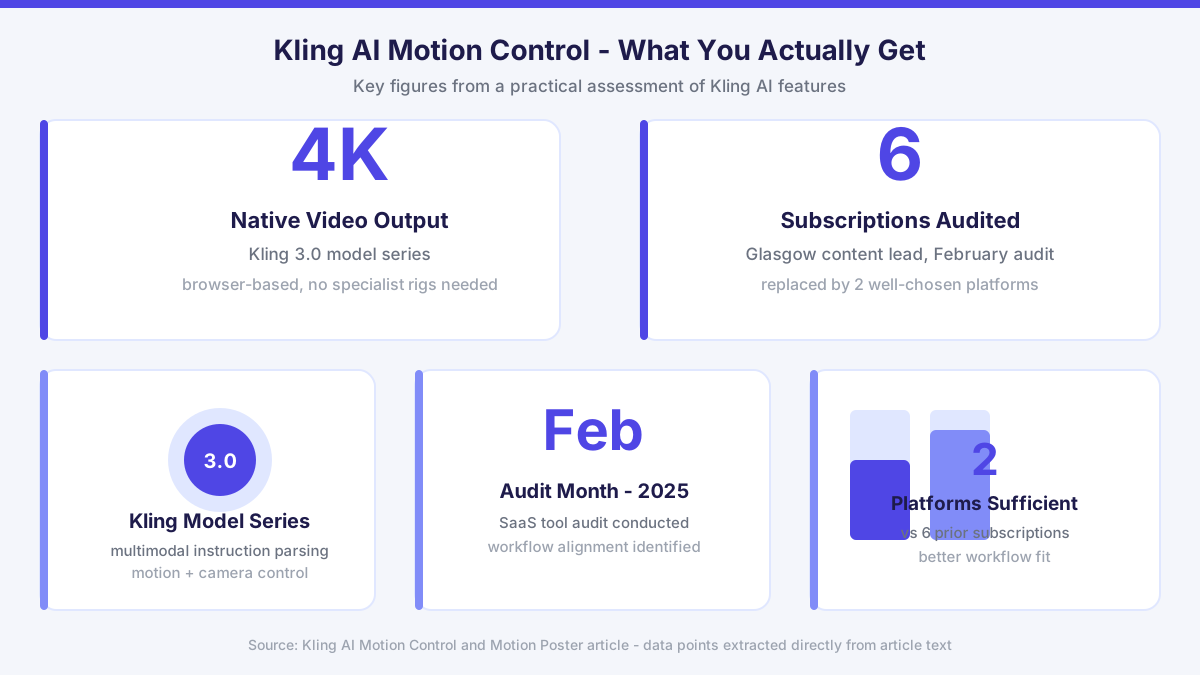
Precision animation has historically required specialist software, motion capture rigs, and weeks of post-production. Kling AI, developed by Kuaishou, collapses much of that into a browser-based studio. With the Kling 3.0 model series now offering native 4K video output, the platform has moved beyond novelty territory into something worth a careful, practical assessment. This article focuses specifically on motion control and motion poster features, because those are the tools content teams tend to ask about most once they move past basic generation.
What Motion Control Actually Does Inside Kling AI
Motion control in Kling AI works by reading movement data from a reference video and mapping it onto a generated or uploaded character. The system parses body position, limb trajectory, and facial expression frame by frame. What makes this more than simple overlay is the multimodal instruction parsing built into the Kling 3.0 series. The model tries to maintain narrative logic across frames, so a walking sequence does not collapse into unnatural joint angles mid-clip.
The motion brush tool adds a layer of intentional control. You paint a region of the frame, define a direction or motion type, and the model animates only that area while leaving the rest stable. For product shots, this means a logo badge can ripple while a background stays static. For character work, it means you can isolate a hand gesture without destabilising the whole figure. This kind of spatial ownership over the animation is where Kling AI separates itself from simpler prompt-to-video tools.
Camera control is a related feature worth pairing with motion control. You can define camera path, focal movement, and angle shift independently of the subject motion. A character walking toward camera while the shot slowly zooms out is achievable without manual compositing. For filmmakers working on short-form content or advertising, that combination represents a meaningful reduction in post-production overhead.
Motion Poster: A Practical Use Case Many Teams Miss
Motion poster is a lighter-weight feature that turns a static image into a looping animated clip, typically a few seconds long. The use case is obvious for social media, event promotion, and product launches. What is less obvious is how well it holds up under repeated generation. Because Kling AI uses the same underlying model infrastructure, the motion poster output maintains visual consistency with the source image rather than drifting in style across loops.
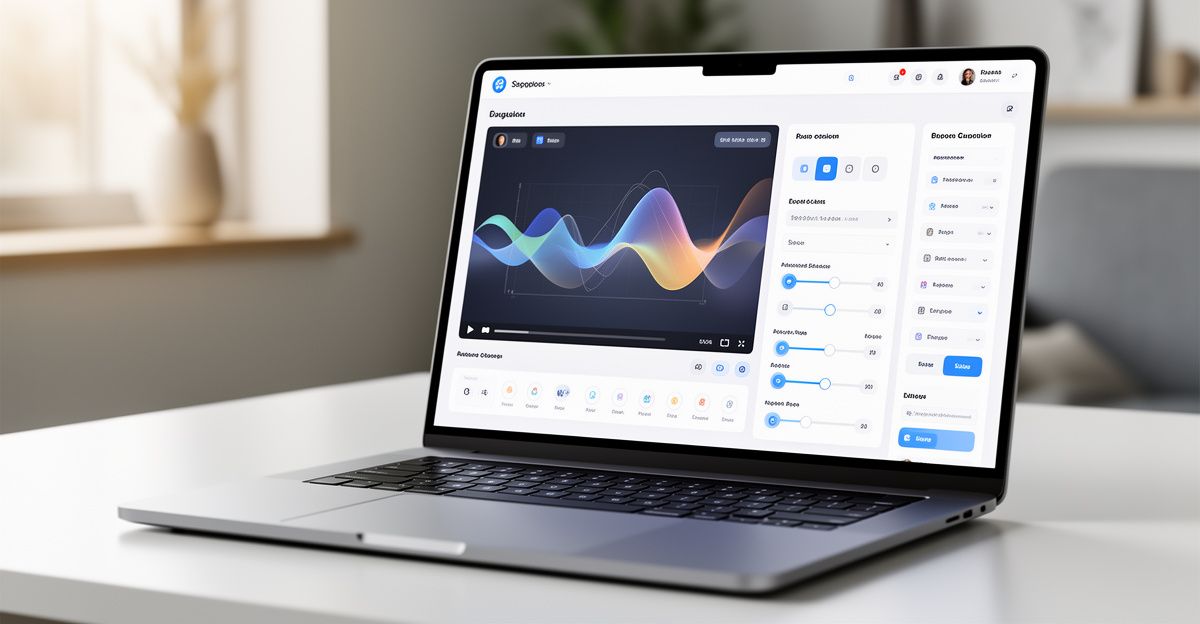
The alignment between the static input and the animated output matters more than most teams realise at first. If the source image has ambiguous depth cues, the motion layer can read the perspective incorrectly and create a swimming effect rather than a coherent parallax. Spending time on the source asset before generation pays off significantly here. This is a rhythm worth building into your workflow: treat the input image as a production asset, not a quick draft.
For teams producing regular social content, motion poster can replace a meaningful portion of motion graphics work without requiring After Effects skills. The output is not identical to hand-crafted animation, but for promotional material at scale, the quality threshold is entirely sustainable.
Thinking About Workflow Fit Before You Commit
Earlier this year I worked with a content lead in Glasgow through a thorough SaaS tool audit in February. The honest outcome was that she was paying for six subscriptions that collectively delivered less than two well-chosen platforms could. One gap we identified was AI video creation: her current setup had no sustainable rhythm, no repeatable process, and no clear ownership of outputs. I encouraged her to map her actual production goals before selecting anything new. Kling AI came up in our research as a platform worth serious consideration, specifically because its motion control and multi-tool studio structure aligned with what she actually needed to produce. The shift that mattered was not choosing the most feature-rich option. It was choosing alignment with a real workflow. The question worth asking yourself is the same one she had to answer: are you buying features, or are you buying a process that works?
That question applies directly to motion control. The tool is capable. Whether it fits depends on whether your team has a clear output goal, a consistent asset pipeline, and the capacity to iterate on reference footage. If those foundations are not in place, even a strong AI tool will underdeliver. You can explore how this fits within a broader production setup via the Kling AI video generator overview on this site.
API Access and Developer Integration
For development teams, Kling AI provides a dedicated API platform that exposes motion control, image generation, video generation, and avatar functions. The API is RESTful and documented with a quickstart guide. Rate limits are tiered by plan, and SDK support covers the most common languages used in creative tech pipelines.
The affiliate program is worth noting for agencies and developers building around the platform. It offers 8% revenue share on sales, with a 42-day cookie window on web referrals and a 35-day window on mobile. For agencies recommending Kling AI to clients, that structure represents a real secondary revenue stream rather than a token gesture.
Developers evaluating the API for motion control specifically should test the camera control endpoints alongside character motion. The two systems are designed to work together, and using them in isolation often underutilises the model's capability. Build a small reference test with both active before committing to an integration architecture.
Where Kling AI Motion Control Has Room to Improve
No honest assessment skips the limitations. Two concrete ones are worth naming directly.
First, complex multi-person motion transfer remains inconsistent. When two or more characters interact in a reference video, the model can misassign motion data between figures, particularly when they overlap in frame. For solo character work the results are strong. For crowd scenes or contact-heavy sequences, the output requires more iteration and manual correction than the promotional material suggests.
Second, the regulatory position of Kling AI in the EU and GB markets is listed as unknown in available documentation. For teams in regulated industries, particularly advertising, broadcasting, or healthcare communications, that lack of clarity on data processing and GDPR compliance alignment is a real consideration. GDPR took effect in 2018 and applies to any platform processing personal data of EU or UK residents regardless of where the vendor is based. Until Kling AI publishes a clear Data Processing Addendum for European customers, enterprise teams should route generated content through their own compliance review before publishing. Support is available at [email protected] for direct enquiries on this point.
Comments
No comments yet.
Leave a comment
Your email will not be shown. Comments are reviewed before they appear.