

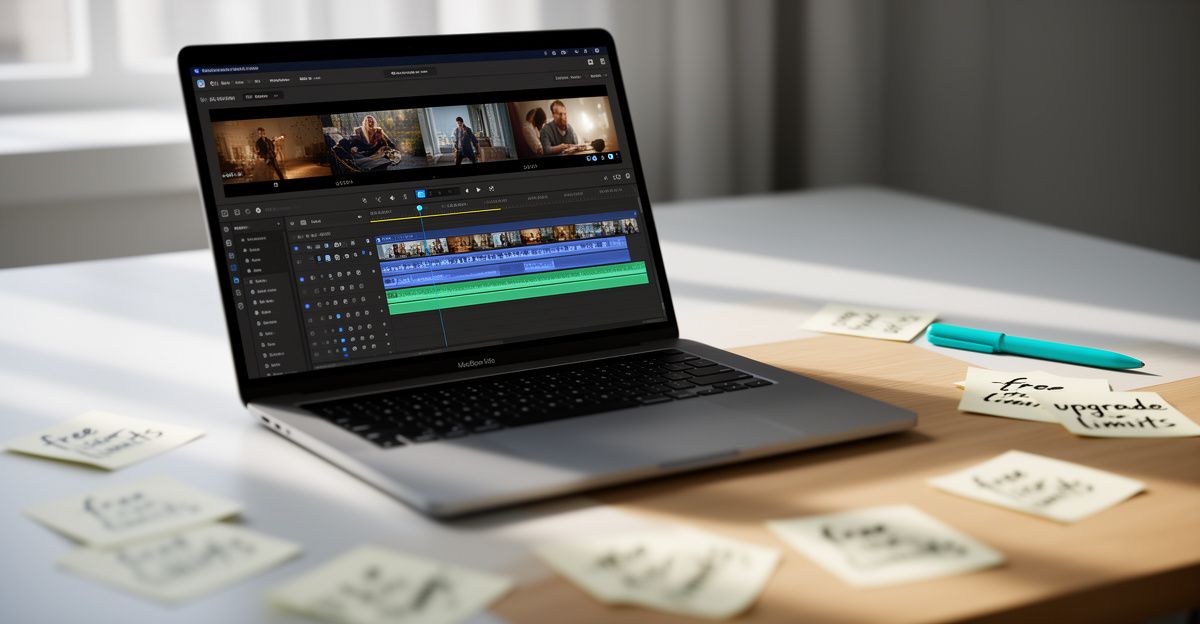
On a Tuesday afternoon in March, a freelance animator in Manchester messaged me asking whether Kling AI would cost her anything to try. She had just watched a short film clip a colleague generated and wanted to test it herself before committing to yet another subscription. The answer I gave her was: no, not immediately. Kling AI, built by the Beijing-based technology company Kuaishou, does provide a free access tier for new users. That said, the free plan has real constraints worth understanding before you invest time learning the platform.
What the Free Plan Actually Gives You
Signing up on the Kling AI website requires no payment method upfront. Once registered, you receive a daily allocation of credits that replenish each day. Those credits let you generate short video clips, images, and basic effects using the platform's creative studio. For someone exploring what AI video generation feels like, this is genuinely useful. You can run text-to-video prompts, test image-to-video transitions, and get a real sense of output quality without spending anything.
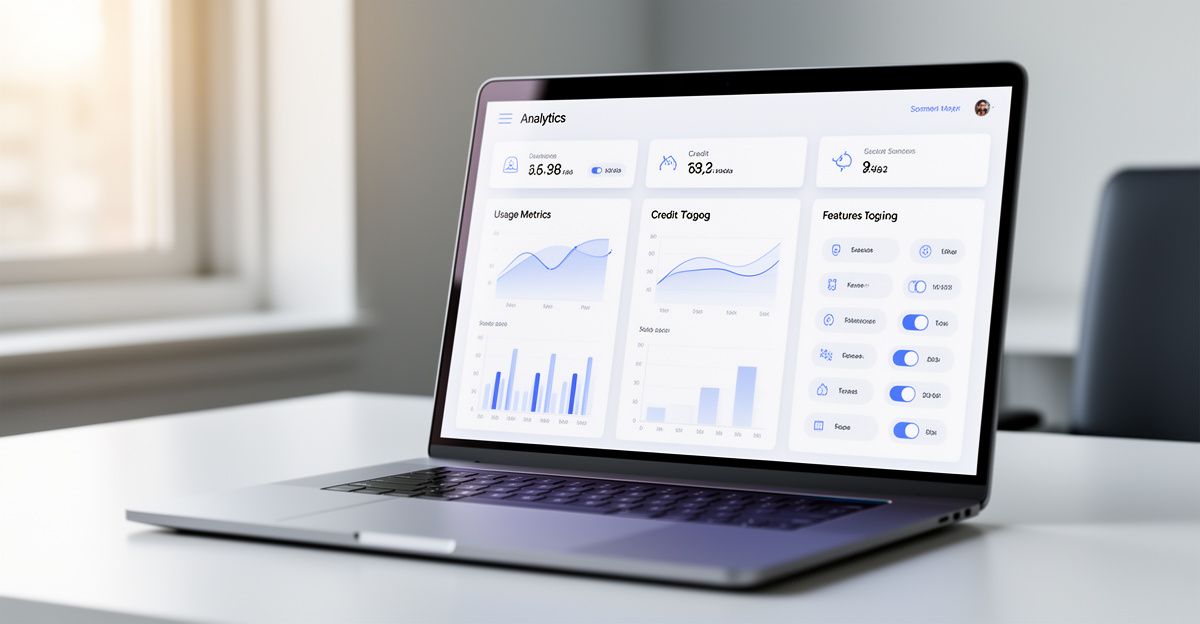
The important caveat is that the free tier does not give you access to the full Kling 3.0 model series. Features like native 4K video output, the Omni model, and Avatar 2.0 sit behind paid tiers. The platform's most capable tool, which Kling positions as the world's first native 4K AI video model, is not part of the free experience. What you get on the free plan is a meaningful preview, but it is a deliberately limited one.
Where the Free Credits Run Out
Daily credit limits are the most common frustration among free users. Each generation task consumes credits, and longer or higher-resolution outputs cost more than simple short clips. Once your daily credits are gone, you wait until the next day. There is no option to carry unused credits forward. For someone who wants to produce more than one or two pieces of content per day, this rhythm breaks down quickly.
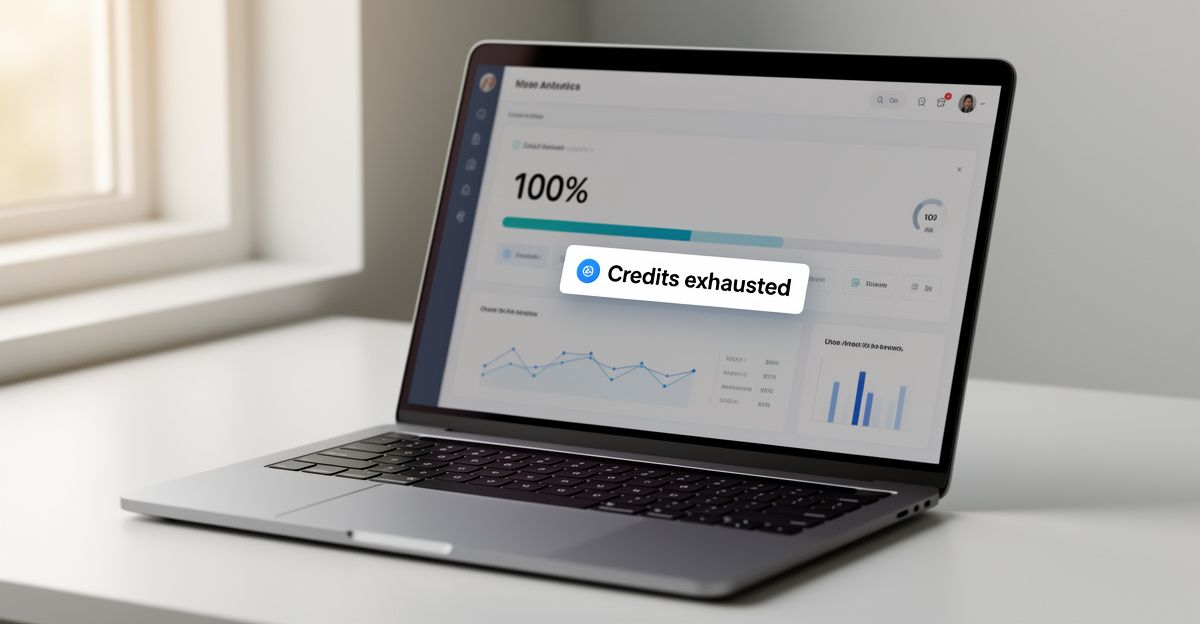
It is worth being intentional about how you spend free credits. Running exploratory prompts that you do not actually need wastes capacity that could go toward meaningful output. Think of the free plan as a sandbox for testing prompt logic and visual style, not a production pipeline. The moment your use case requires consistent volume or commercial-grade quality, the free tier stops being a sustainable option.
What Paid Plans Add
Paid subscriptions on Kling AI unlock a substantially different experience. Higher credit allocations mean you are not rationing generations throughout the day. Priority rendering reduces waiting times during peak periods. Access to the full Kling 3.0 suite, including VIDEO 3.0, IMAGE 3.0, and the Kling O1 model, becomes available. For filmmakers, advertisers, and content studios working at any real volume, these differences matter more than the headline price difference suggests.
The platform also provides an API for developers, which opens integration possibilities that the free plan does not support at scale. If you are building a workflow or product on top of Kling AI's generation capabilities, the API tier with its documented rate limits and versioning structure is the right entry point. Developers working with the API can find documentation at the Kling AI developer portal, which covers authentication, endpoints, and usage limits in detail.
Pricing Transparency: A Real Consideration
Last September, I spent three days at a SaaS conference in Birmingham talking with product and growth teams about how they communicate pricing to their users and internal stakeholders. What stood out was how many teams made careful, intentional decisions about features but remained entirely reactive about pricing. One product lead admitted their tier structure had not been reviewed in over two years. There was no ownership of the pricing narrative, no sustainable rhythm of revisiting whether the tiers still reflected user needs. That pattern, I have found, quietly undermines confidence in a platform from both sides. Users feel uncertain about what they are paying for. Teams lose alignment on what value they are actually delivering.
Kling AI is not immune to this dynamic. For a UK user comparing Kling AI to alternatives like Runway or Pika Labs, clear and honest pricing communication is a real factor in the decision. The free plan is genuinely accessible, but understanding exactly where the credit limits sit, and what happens when you exceed them, requires reading the documentation carefully. Platforms that make this frictionless earn more trust from the creators and developers they are trying to attract.
Kling AI vs. Key Alternatives for Free Access
Runway offers a free tier with limited monthly credits, while Pika Labs has historically provided a free generation quota on sign-up. OpenAI's Sora is available through ChatGPT Plus, which carries a subscription cost from the outset. Stable Video Diffusion can be run locally without ongoing cost but requires technical setup and hardware. Among these, Kling AI's free plan is competitive in that it resets daily rather than monthly, giving consistent low-volume access rather than a one-time trial allowance.
For UK creators who want to compare options across regions, the Belgian-market resource at Kling AI Belgium covers similar free-plan questions within a different regulatory context, which can be useful for understanding how the platform behaves across European markets.
Is the Free Plan Worth Starting With?
For most UK users testing AI video generation for the first time, the free plan is a reasonable entry point. You will generate real output, understand the prompt mechanics, and form a genuine opinion about whether the platform suits your creative needs. The daily credit reset means you do not burn through a finite trial window while you are still learning the interface.
The inflection point comes when your work requires consistency. Producing content at any professional scale, whether for a brand, a production team, or a developer integration, makes the free tier's limits visible within days. Before you reach that point, use the free plan deliberately: pick one specific creative task, run it to completion, and ask yourself whether the output quality justifies the next tier's monthly cost for your actual use case. That single test will tell you more than any comparison chart.
Comments
No comments yet.
Leave a comment
Your email will not be shown. Comments are reviewed before they appear.