

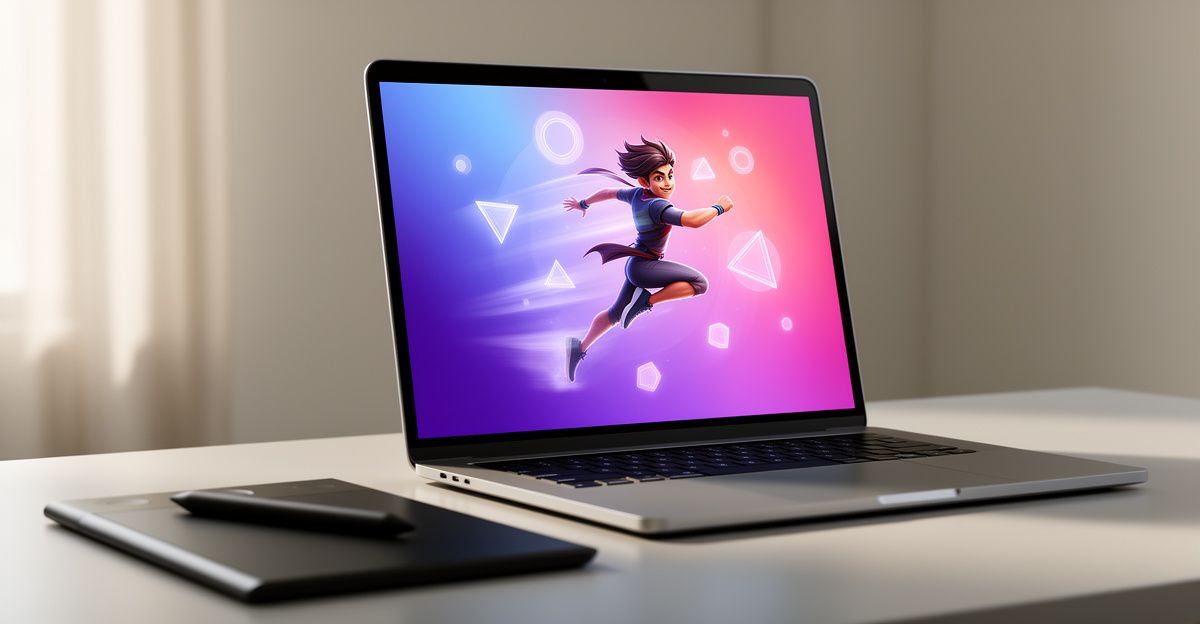
What a Motion Poster Actually Is
A motion poster sits between a static graphic and a full video. It is a short animated loop, usually 2 to 5 seconds, that gives a still image the feeling of life without telling a complete story. Think of the animated film posters that ripple in streaming apps, or the slow-burn atmospheric loops brands use on digital billboards. The format originated in cinema marketing around 2012 and has expanded steadily into social media, event branding, and product advertising.
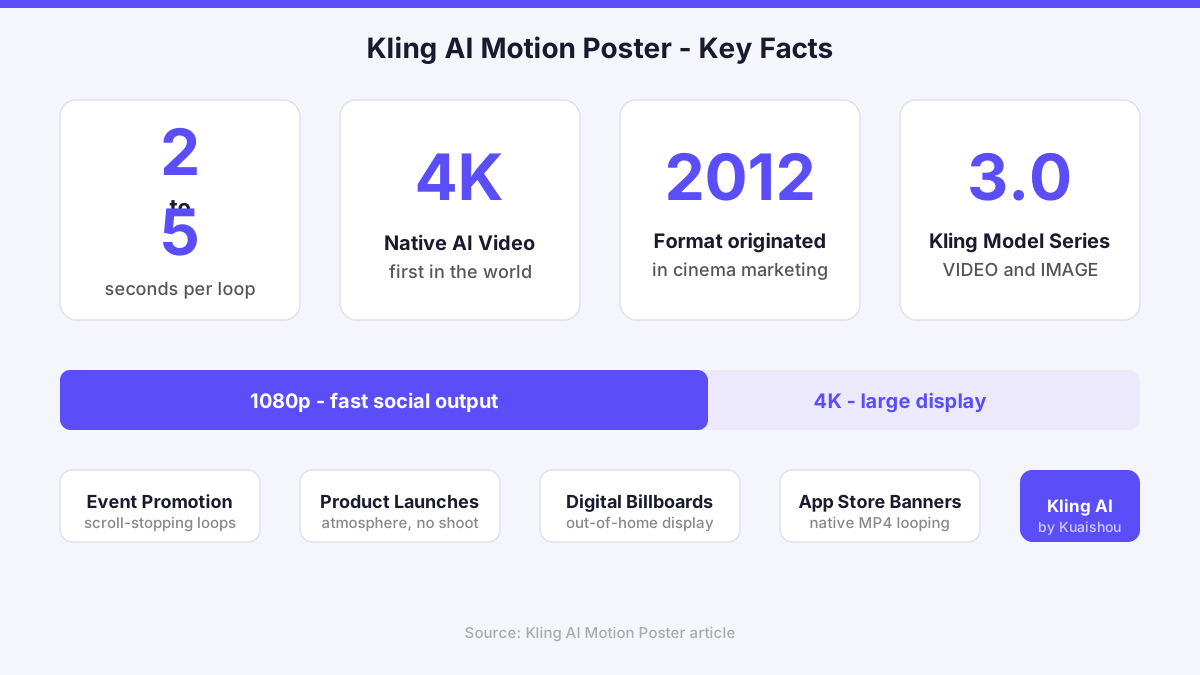
Kling AI brings this format into reach for creators who are not professional animators. The platform is built by Kuaishou, a Beijing-based technology company, and it introduces the world's first native 4K AI video model. That matters for motion posters specifically, because poster-format assets need to hold detail at large display sizes. A blurry loop on a digital billboard is worse than no loop at all.
How Kling AI Handles Motion for Posters
The motion poster workflow inside Kling AI leans on two core tools: the image-to-video pipeline and the Motion Brush. The image-to-video pipeline takes a static frame, whether you created it with Kling AI Image 3.0 or uploaded your own, and generates a short animated sequence from it. The Motion Brush lets you define which regions of the image should move and in which direction, giving you intentional control rather than random animation.
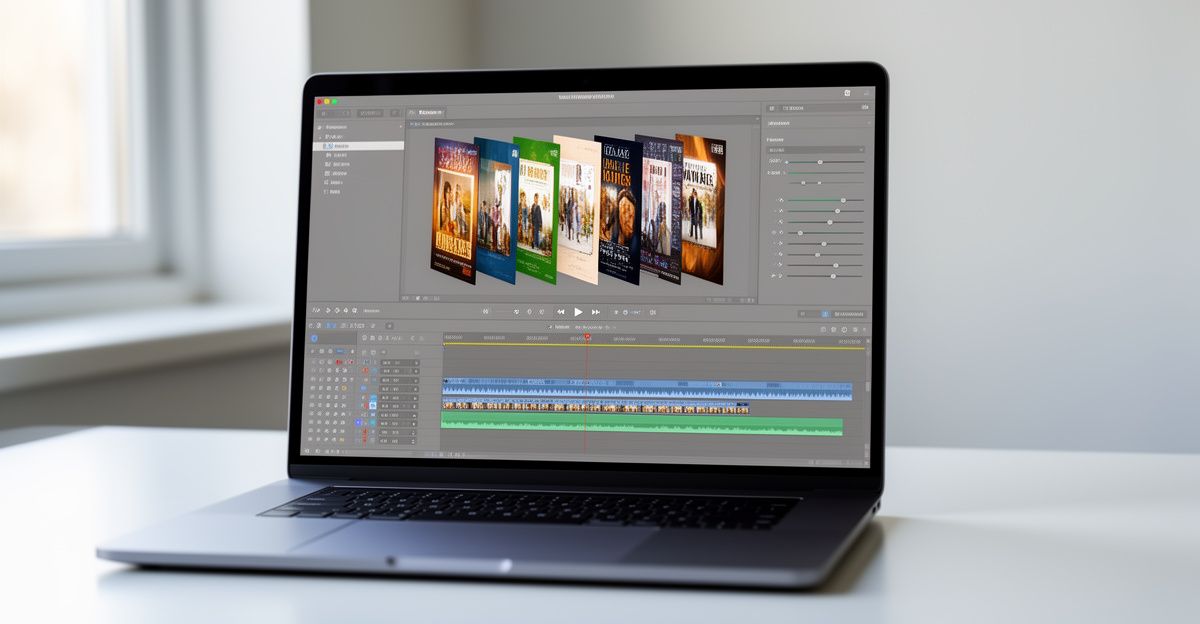
Multimodal instruction parsing means you can describe the motion you want in plain language. You might write "slow upward drift of smoke in the background, hair moving gently left" and the model interprets both the visual context and the motion intent together. This is meaningfully different from earlier tools that applied global motion to an entire frame regardless of content. Camera control features let you set subtle push-in moves or gentle pan effects, which are the bread and butter of cinematic poster animation.
The Kling 3.0 model series, which includes VIDEO 3.0 and IMAGE 3.0, underpins this workflow. Because the image and video models share the same multimodal architecture, the motion applied to your poster respects the original composition, lighting, and tonal mood rather than distorting them. That coherence is what separates a professional-looking motion poster from an obvious AI artifact.
Step by Step: Creating a Motion Poster
Start by signing up on the Kling AI website. Access is through the creative studio, and the API platform is available for developers who want to build the workflow into their own tools.
Once inside, choose whether you want to generate your base image from a text prompt using Image 3.0, or upload an existing still. For a motion poster, high contrast and clear subject separation work best. A well-lit subject against a moody background gives the motion engine clear regions to animate independently.
With your base image ready, open the image-to-video tool and select a duration of 2 to 5 seconds. Shorter loops are less likely to stutter when they replay. Use the Motion Brush to paint the regions you want animated, then describe the motion direction in the prompt field. Be specific: "clouds drift slowly right, character's coat edge flutters" gives the model more to work with than a generic instruction.
Set your resolution to 4K if the output is destined for a screen larger than a phone. For social formats, 1080p is often sufficient and generates faster. Review the preview, refine your motion prompt if the first output overshoots the motion intensity, and export once you are satisfied. The file is typically an MP4, which most platforms accept natively as a looping asset.
Where Motion Posters Perform Best
The format has a clear rhythm in the kinds of contexts where it earns attention. Event promotion benefits enormously: a looping animated poster for a conference or music event stops a scroll far more reliably than a static graphic. Product launches use the format to add atmosphere without committing to a full production shoot. Book and film announcements, app store banners, and digital out-of-home placements are all natural homes for a well-made motion poster.
Here is something worth reflecting on. Back in March, I sat down with a SaaS founder in Manchester who had built a genuinely strong product but had no intentional rhythm around how her brand communicated visually. She had a logo, a colour palette, and a static social template. I asked her: when did you last let a meaningful stakeholder insight change how you present your product? She went quiet. That silence told me something useful. Brand communication needs the same ownership that product decisions do. A motion poster is not decoration - it is a meaningful signal that your product is alive and worth attention. Are you putting that same intentional effort into how your product appears in the world?
If you are working across multiple markets, it is worth knowing that teams in Belgium have been using Kling AI for multilingual campaign assets. You can explore how the platform fits into broader creative workflows at Kling AI Belgium.
What to Watch Out For
Motion posters made with AI tools can drift into uncanny territory if the motion intensity is too high. A slow, restrained movement reads as professional; a fast, distorted movement reads as a glitch. Calibrate your Motion Brush to cover only the elements that benefit from animation, and leave structural elements like text and logos completely still. Kling AI does not currently publish a specific service-level agreement for generation time, so plan for iteration and leave buffer in your production schedule.
On the data side, any platform processing creative assets you upload operates under terms that govern how those assets are stored and used. If your work involves personal data of EU or UK residents, it is worth reviewing the platform's data handling documentation before uploading client assets. GDPR requires that data transfers outside the EEA are covered by appropriate safeguards such as Standard Contractual Clauses, and Kuaishou's regulatory status in the EU and GB is listed as unknown in available documentation. For client-facing work, clarify this with your legal team before integrating any third-party AI generation tool into a production pipeline.
The affiliate programme offers 8% revenue share on sales, with a 42-day cookie lifetime for web referrals and a 35-day window for mobile. For agencies or educators building sustainable creative communities around tools they already use, that structure creates a meaningful secondary revenue stream alongside client work.
Comments
No comments yet.
Leave a comment
Your email will not be shown. Comments are reviewed before they appear.